We’ve introduced a new EOR Request Widget on the Home page to make it easier for admins to initiate Employer of Record (EOR) requests directly from OmniHR.
Note : This feature is only available to customers who have subscribed to Omni HR EOR Services.
TABLE OF CONTENTS
Where to Find the EOR Request Widget
A new widget titled “Submit EOR requests to Omni” is now available on the Home page.
This widget allows you as Admin to quickly submit EOR-related requests without navigating away from Omni HR.
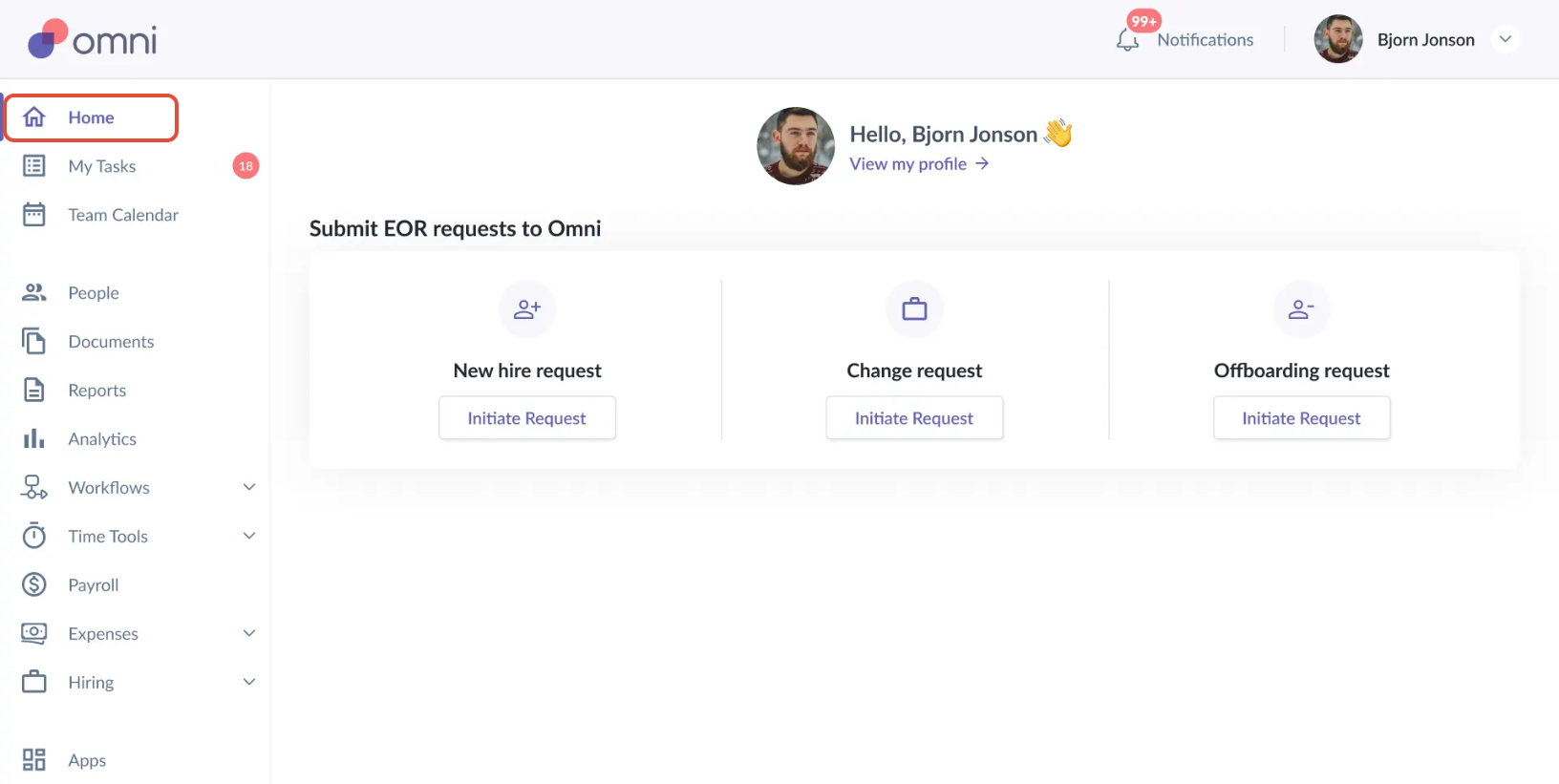
You can initiate the following types of EOR requests from the widget:
1. New Hire Request
Use this option when you are onboarding a new employee under the EOR model.
Submit all required employment details for the new hire
Ensure the information provided is complete and accurate to avoid processing delays
2. Change Request
Use this option if there are any updates to an existing employee’s employment details, such as:
Salary increment
Bonus updates
Other employment-related changes
Please select this option and complete the form with the relevant updated information.
3. Offboarding Request
Use this option when an employee is leaving the company.
Applicable for resignations or terminations
Fill in the employee’s last working day and any required offboarding details
What Happens After Submission
Each request type will redirect you to the relevant Omni-managed EOR request form
Once the form is submitted, our team will review the request
We will proceed accordingly and reach out if any additional information is required
If you need any assistance with submitting an EOR request, please feel free to contact the support@omnihr.co
Was this article helpful?
That’s Great!
Thank you for your feedback
Sorry! We couldn't be helpful
Thank you for your feedback
Feedback sent
We appreciate your effort and will try to fix the article