Last Updated: January 12, 2026
Overview:
Recruitment follows a structured workflow from job creation to hiring. This workflow helps teams manage candidates consistently and track progress at each stage.
TABLE OF CONTENTS
- Overview of the recruitment workflow
- Creating a job
- Managing candidates
- Scheduling interviews
- Collecting interview feedback
- Hiring a candidate
Overview of the recruitment workflow
A typical recruitment workflow includes the following stages:
Creating a job
Reviewing candidates
Scheduling interviews
Collecting interview feedback
Hiring a candidate
Each stage is managed within the Recruit module.
Creating a job
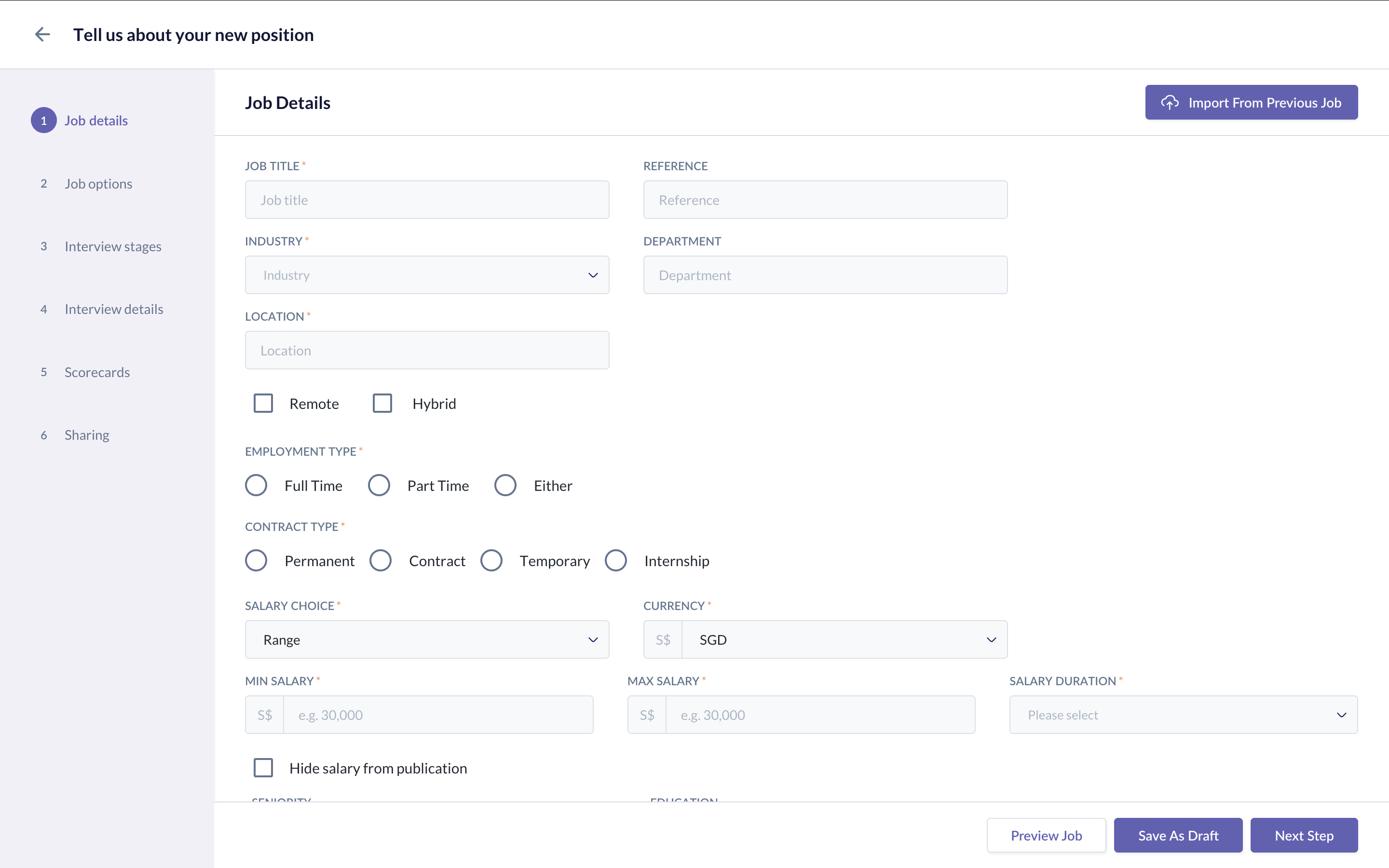
Jobs are created to start a hiring process. When creating a job, you will:
Add job details such as title, location, and description
Define interview stages
Assign interviewers and approvers
Publish the job
Once published, candidates can apply to the job.
Managing candidates
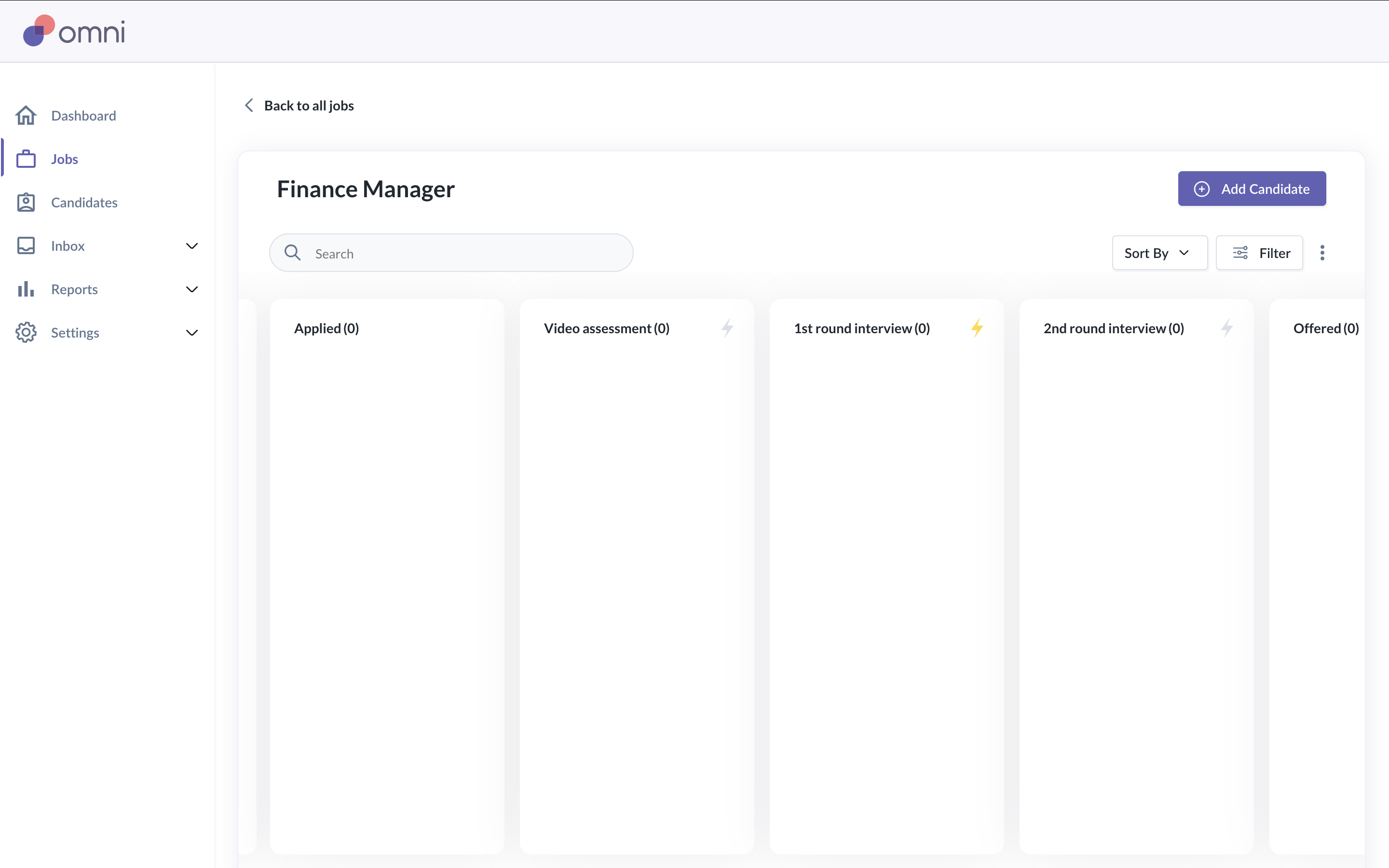
Candidates enter the workflow after applying or being added manually. Candidates can be:
Reviewed
Moved between stages
Scheduled for interviews
Rejected
Sent an offer
Hired
Candidate progress is tracked in the job pipeline.
Scheduling interviews
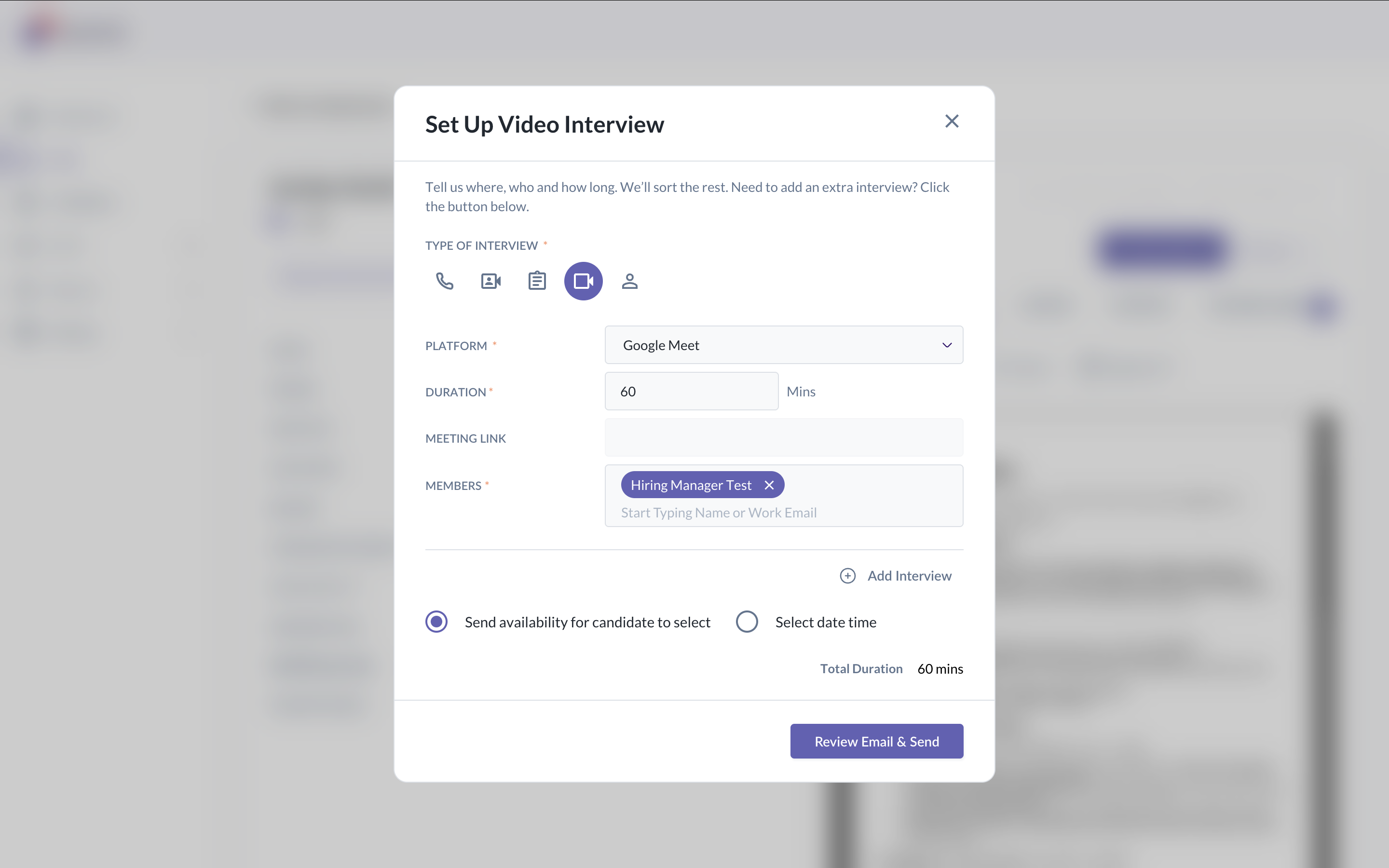
Interviews can be scheduled manually or automatically. When interview scheduling is enabled:
Candidates can select available interview slots
Interview details are sent automatically
Calendar conflicts are avoided
Interview availability and calendar connections affect scheduling.
Collecting interview feedback
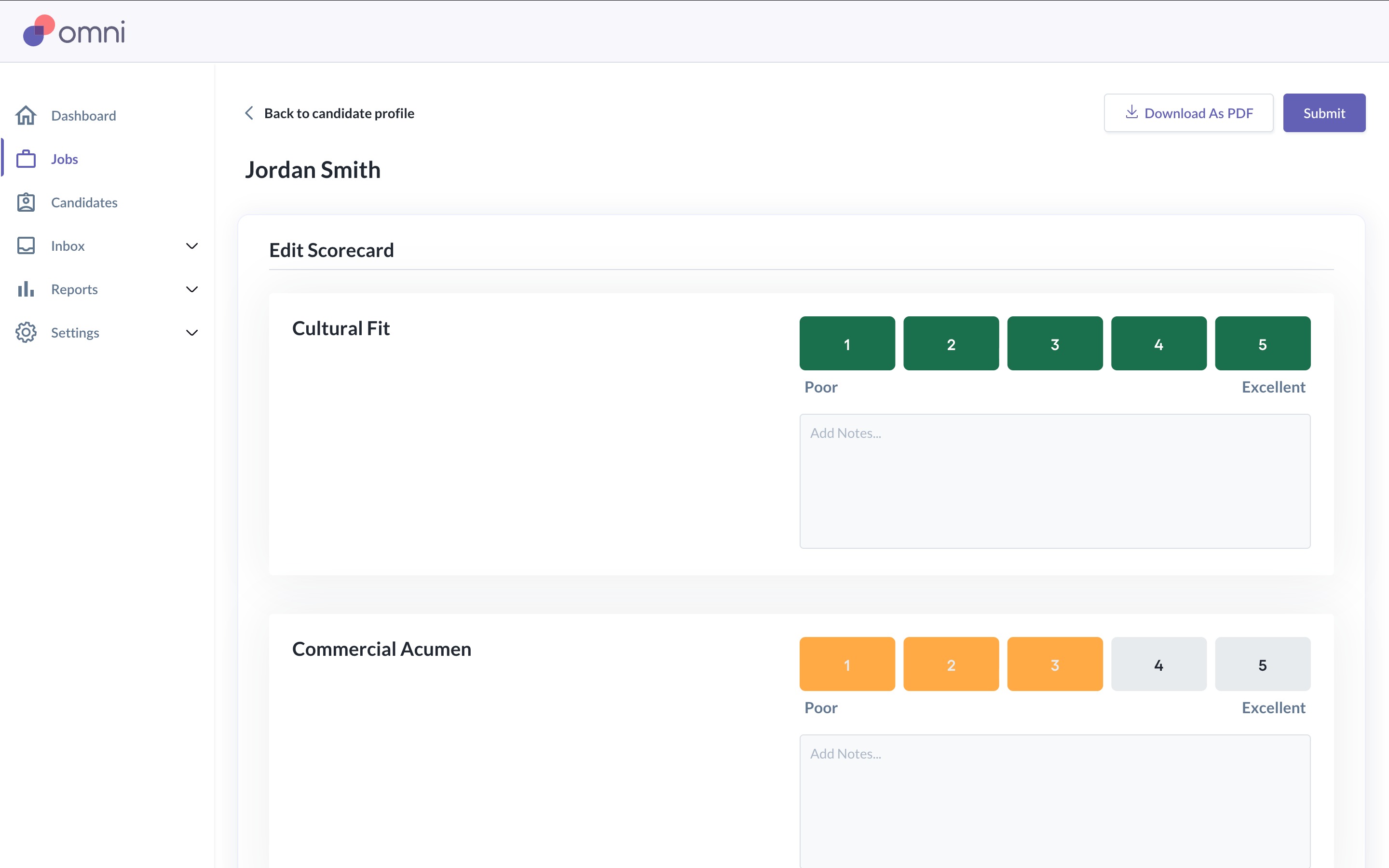
Interview feedback is collected using scorecards. Scorecards allow interviewers to:
Rate candidates against defined criteria
Leave written feedback
Compare candidates consistently
Scorecards are visible to users with access to the job.
Hiring a candidate
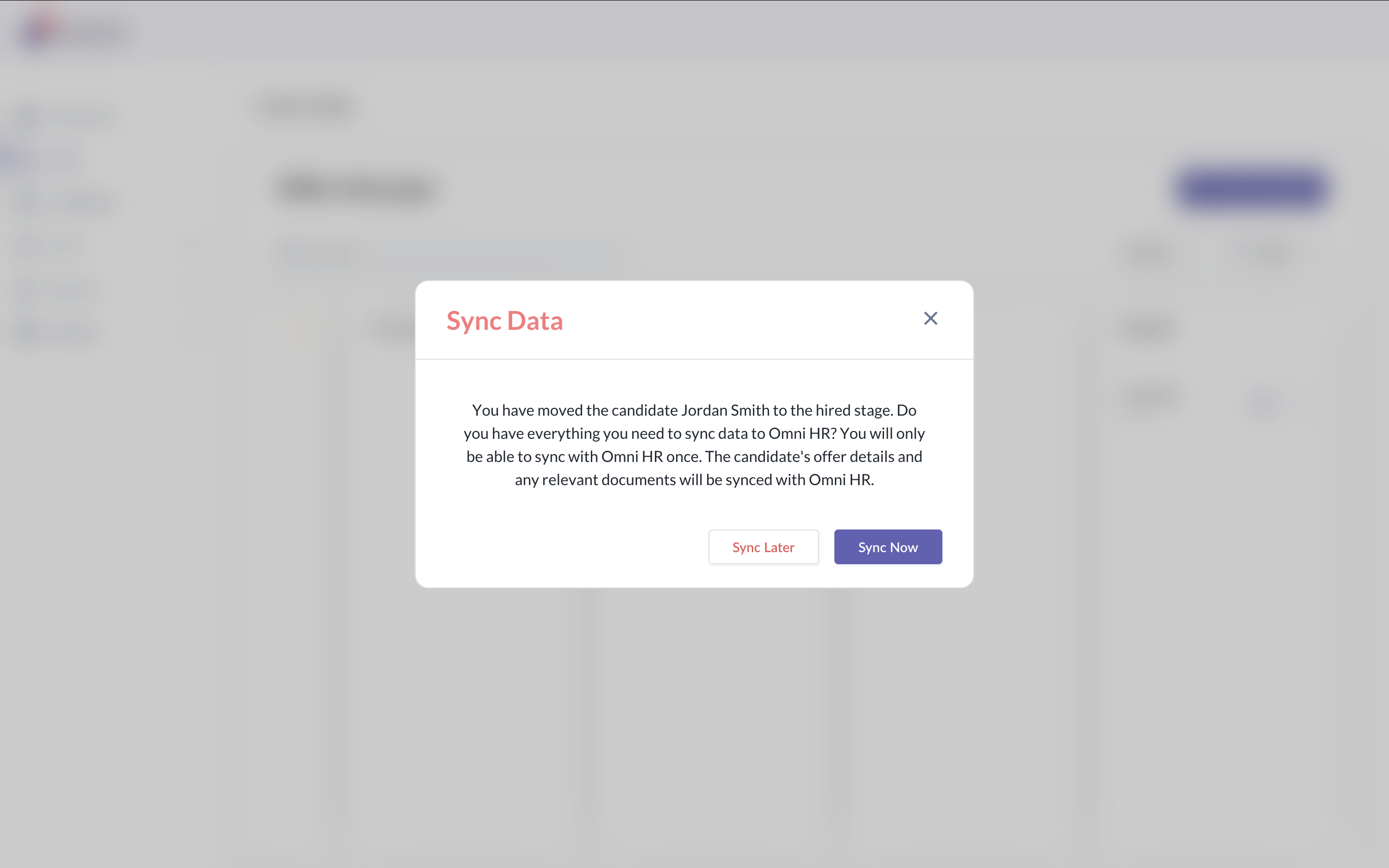
When a candidate is selected, they can be moved to the hired stage. After a candidate is hired:
The hiring process for the job can be completed
The candidate can be synced into Omni HR
The job can be closed or kept open for additional hires
Still Need Help?
Reach out to our support team should you need further assistance.
Was this article helpful?
That’s Great!
Thank you for your feedback
Sorry! We couldn't be helpful
Thank you for your feedback
Feedback sent
We appreciate your effort and will try to fix the article