Overview:
When employees have a change in their job i.e. relocation, promotion, they may be entitled to new expense benefits. This guide will aim to show how Omni HR will be able to handle auto assignment of expense policies depending on employee job changes. This feature allows admins to save time and seamlessly manage expense assignment to their employees amidst job changes.
TABLE OF CONTENTS
How Auto Assignment Works
When a new employee is added to the system, auto-assignment rules (set up within each expense policy) determine which policies they're assigned to.
Depending on these rules, the employee may be automatically added to one or more expense policies. To learn more about setting up these rules, see: Adding Expense Categories & Policies
Scenario:
Employee Based in Malaysia
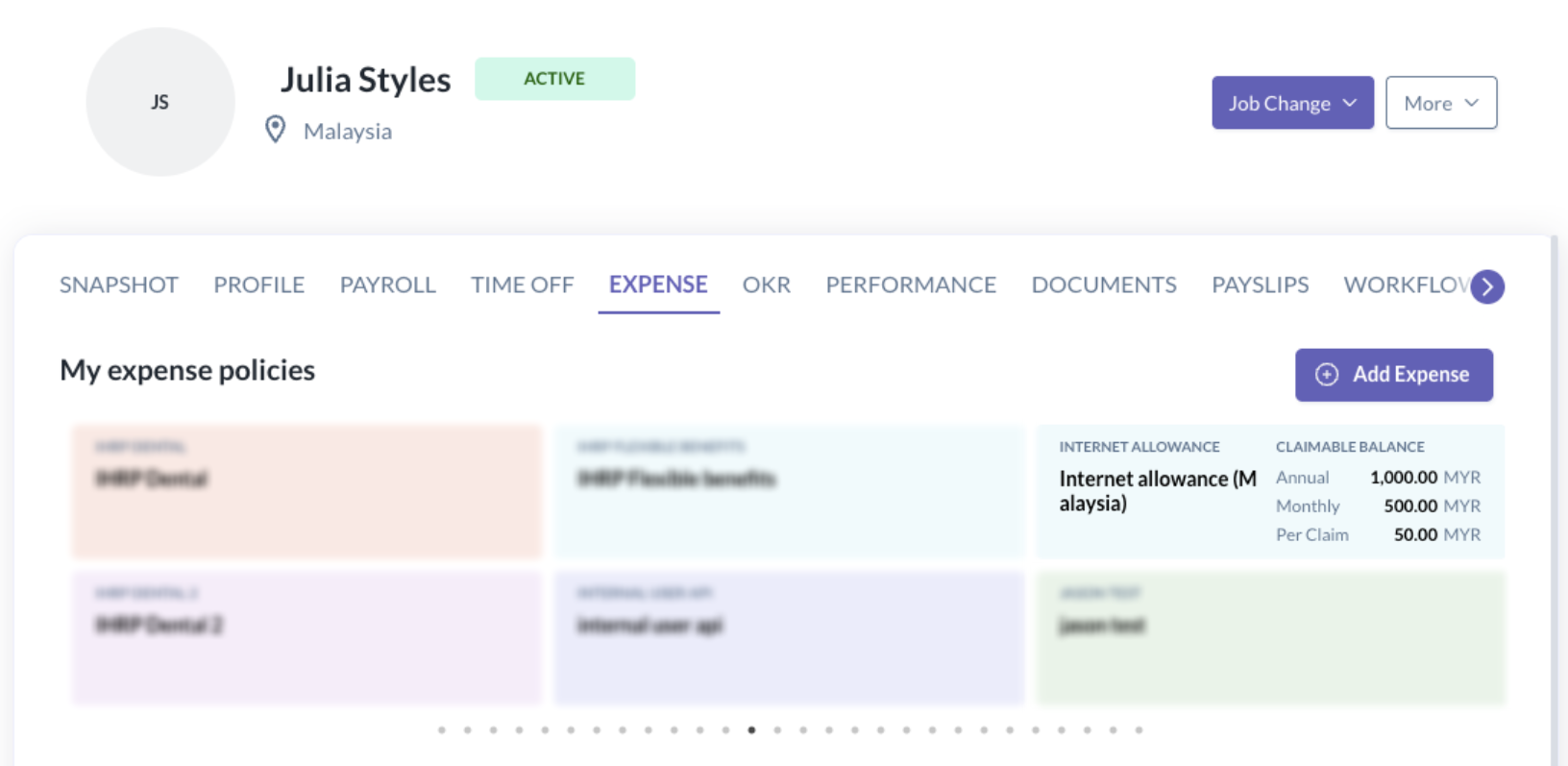
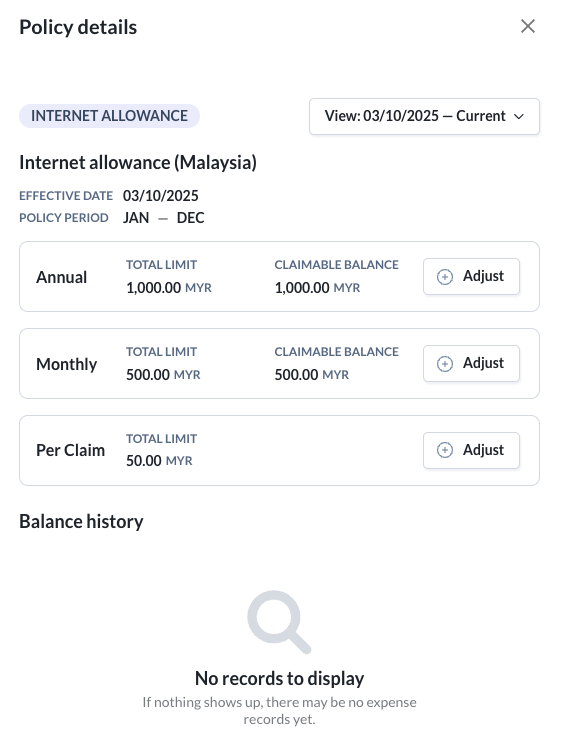
Julia is an employee based in Malaysia.
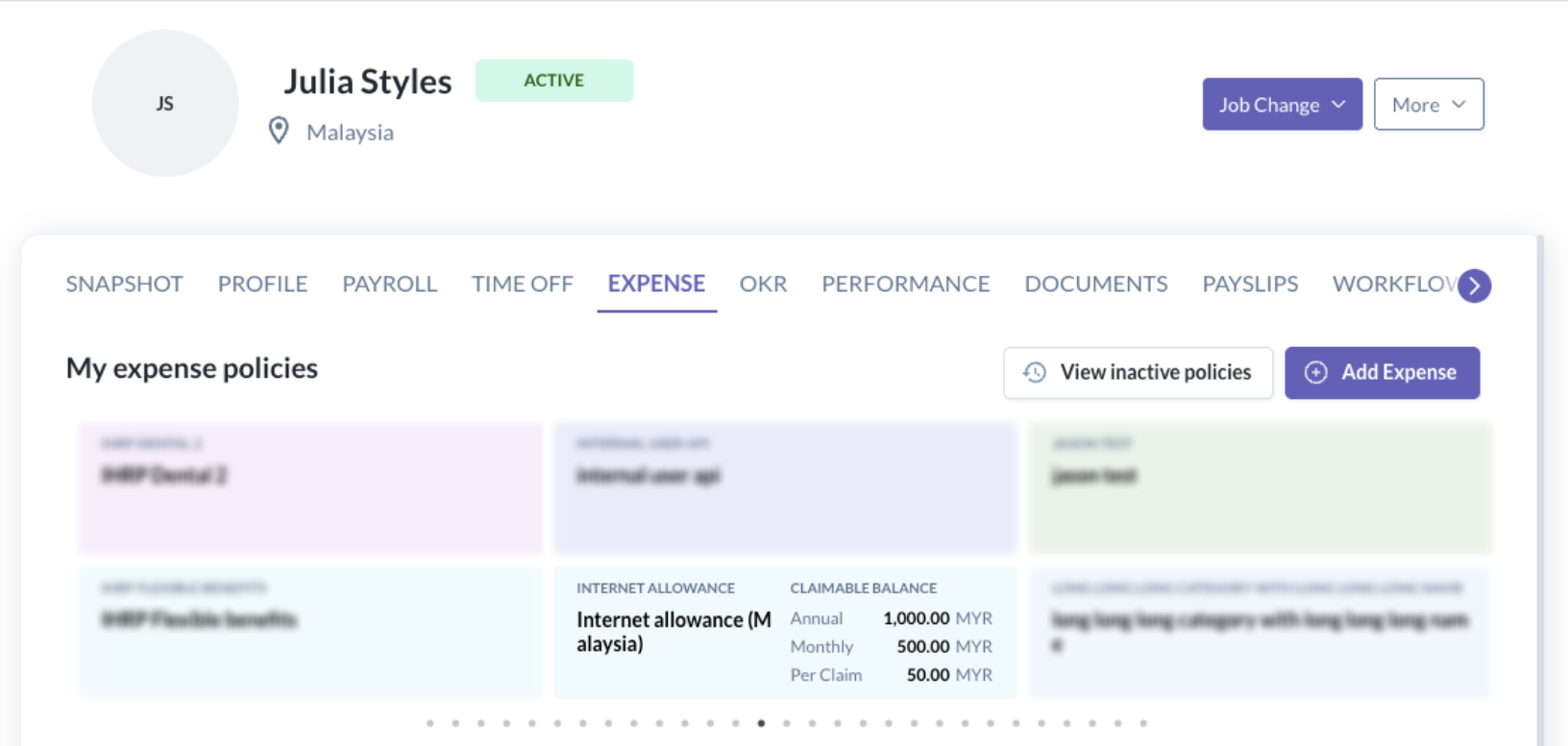
Based on her location, she's automatically assigned several expense policies, including Internet Allowance (Malaysia) effective 3 Oct 2025.
Relocation to Indonesia
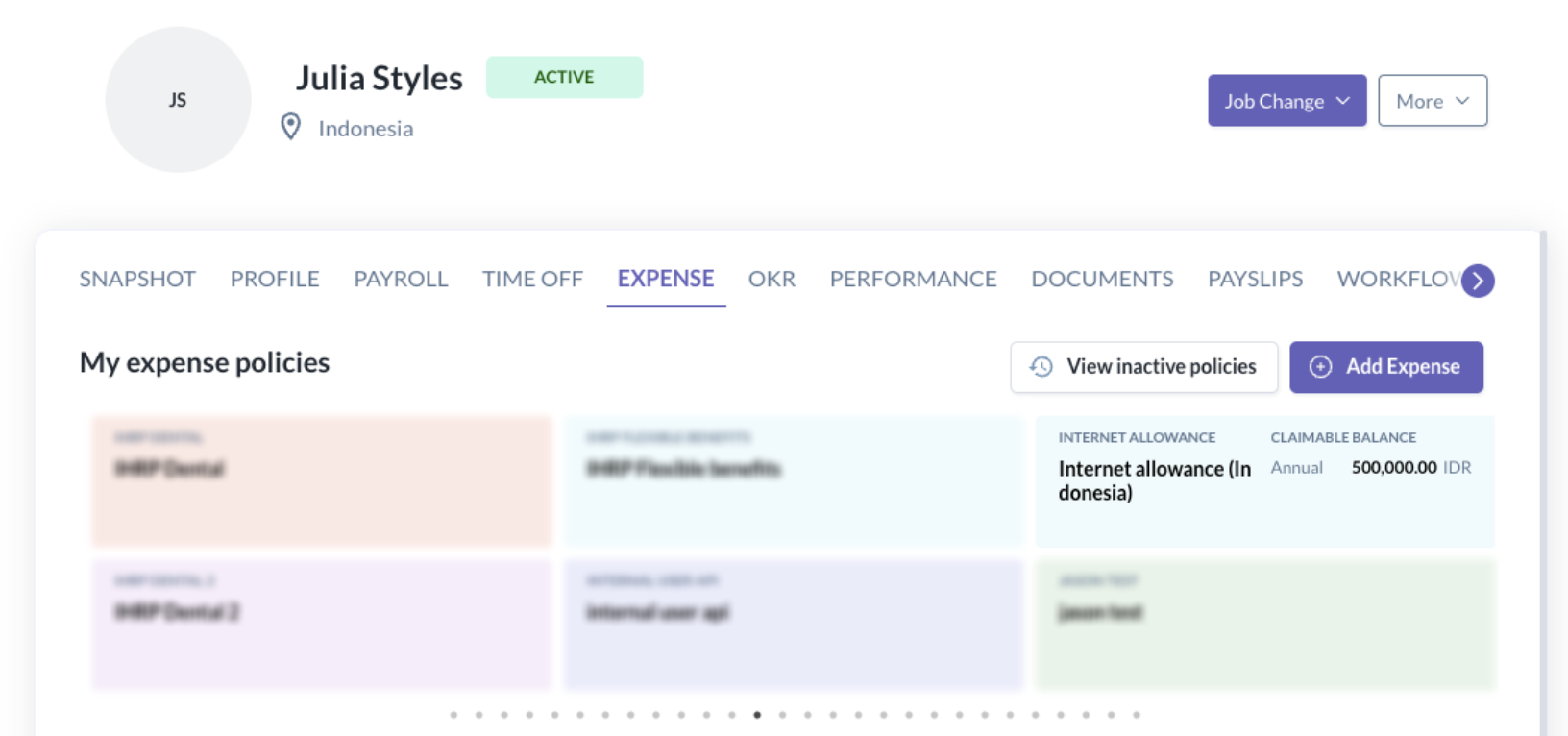
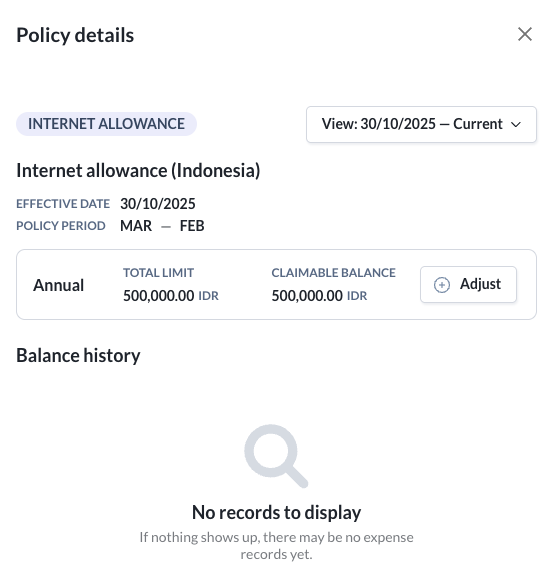
Julia’s relocation to Indonesia is confirmed for 30 Oct 2025.
Once this job change is updated in her employee profile, here’s what happens automatically:
- She’s assigned to Internet Allowance (Indonesia) effective 30 Oct 2025.
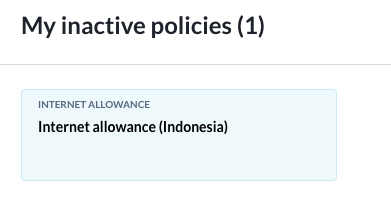
- Her Internet Allowance (Malaysia) policy becomes inactive, but remains visible under “View Inactive Policies.”

This ensures that employees and admins can still view the history of past expense policies and related claims.
Moving Back to Malaysia
If Julia later moves back to Malaysia on 31 Oct 2025, the system will automatically:
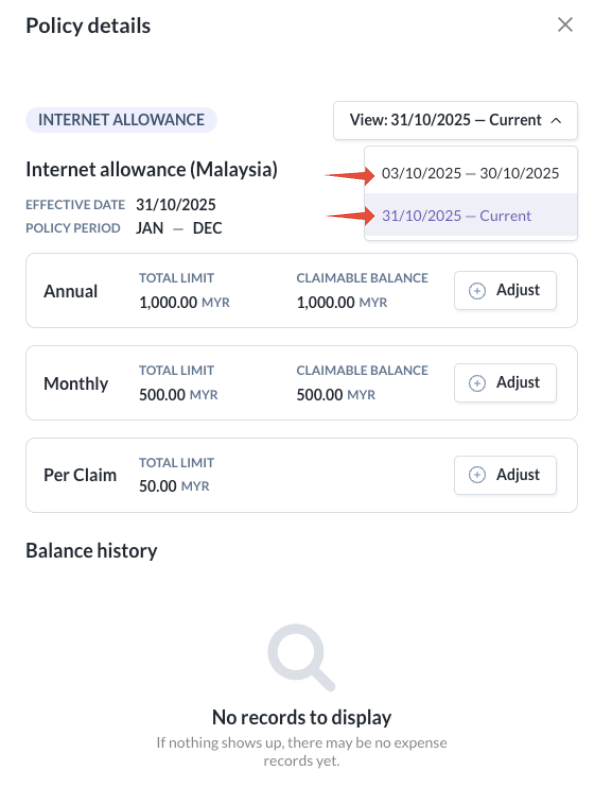
- Reassign her to Internet Allowance (Malaysia) effective 31 Oct 2025 (the new transfer date).
- When viewing the expense policy, both Julia and admins will be able to see all current and past policies assigned under that benefit/expense policy.
- Mark Internet Allowance (Indonesia) as inactive, but still accessible via “View Inactive Policies.”
This feature will ensure that admins have a more efficient way of managing expenses for their employees, while employees will be able to have clear and transparent records of the expenses they have been assigned to during their tenure.
Still Need Help?
Reach out to our support team should you need further assistance.
Was this article helpful?
That’s Great!
Thank you for your feedback
Sorry! We couldn't be helpful
Thank you for your feedback
Feedback sent
We appreciate your effort and will try to fix the article