Overview:
Rostering changes how working days are determined when employees request Time Off.
For employees on a Fixed Schedule, Time Off continues to follow the existing work schedule.
For employees on a Rostering-type Work Schedule, Time Off considers the employee's roster:
- Employees can request Time Off on days with an assigned shift.
- Employees can also request Time Off on days without an assigned shift.
- Employees cannot request Time Off on Rest Days.
- If a shift is already assigned on the requested date, the shift will remain assigned and may need to be manually reassigned by the manager.
Important: Approving Time Off does not automatically remove or reassign an existing shift.
TABLE OF CONTENTS
Employees on a Fixed Schedule
- For employees using a Fixed Schedule, the existing Time Off behaviour remains unchanged.
Employees generally cannot request Time Off on:
- Non-working days
- Days without a Work Schedule
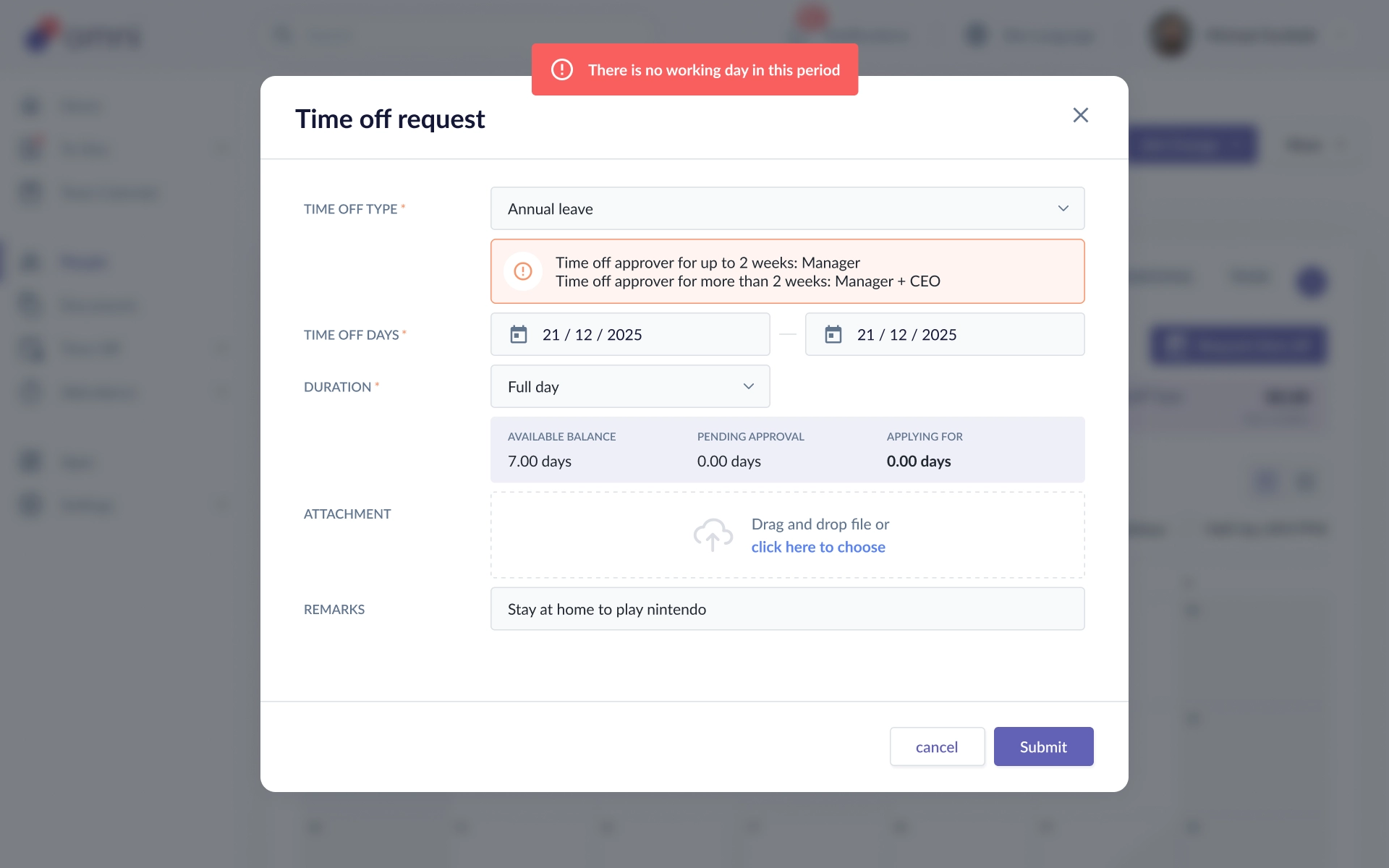
These days are treated as 0 working days for Time Off purposes.
Employees on a Rostering Work Schedule
- Employees using a Rostering Work Schedule can request Time Off based on their roster.
Employees can request Time Off on:- Days with an assigned shift
- Days without an assigned shift
- However, employees cannot request Time Off on designated Rest Days.
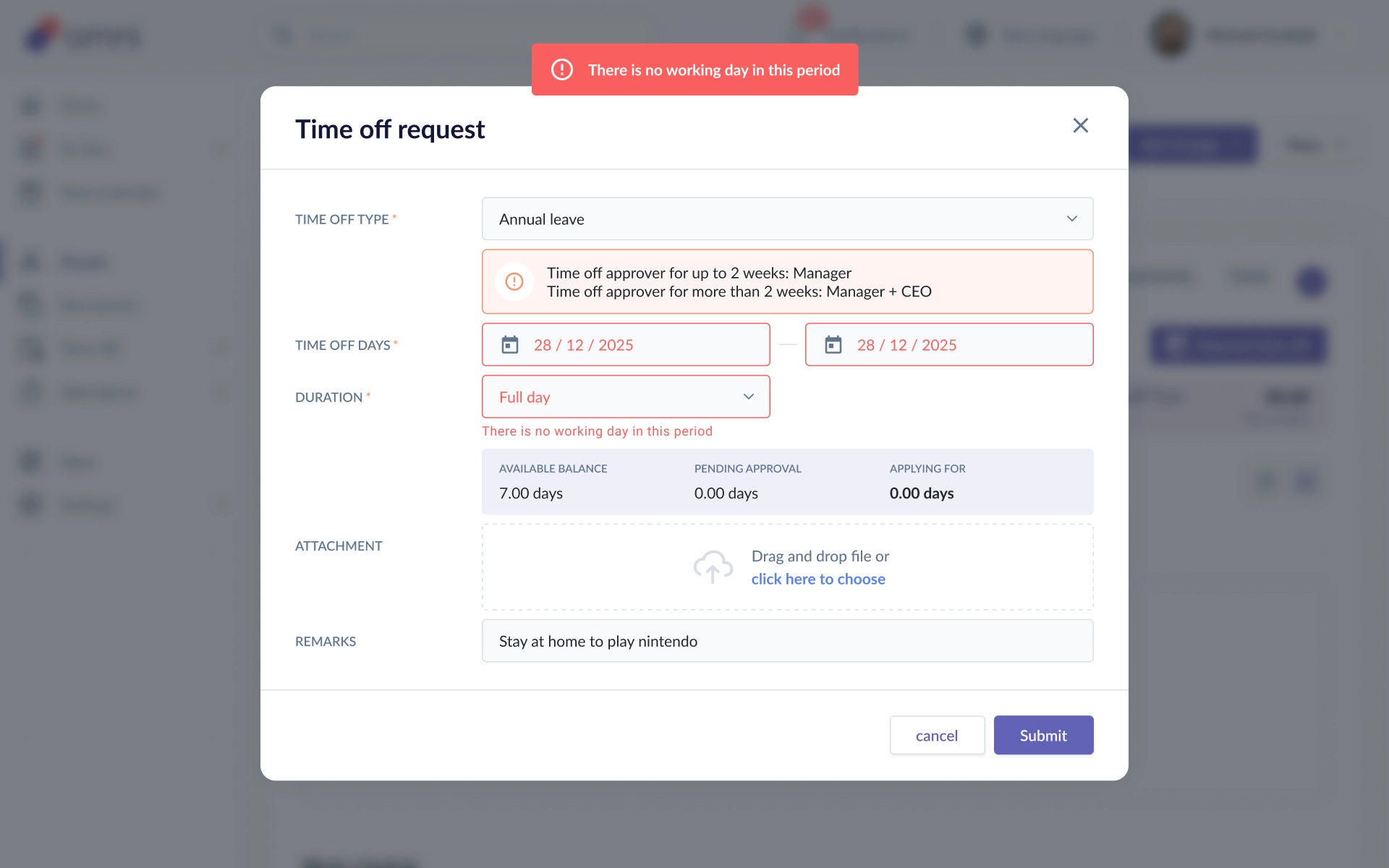
- Example
Date Roster Status Can Request Time Off? Monday Shift assigned Yes Tuesday No shift assigned Yes Wednesday Rest Day No Thursday Shift assigned Yes
What Happens if a Shift Is Already Assigned?
- If an employee requests Time Off on a day where a shift has already been assigned, the existing shift remains assigned.
- The manager should manually reassign the shift to another employee if required.
Note: Shift reassignment is currently handled separately from the Time Off request.
Recommended Practice
Before approving Time Off:
- Review the employee's roster for the requested date.
- Check whether the date is a working day or Rest Day.
- If a shift is already assigned, coordinate with the manager to reassign it if necessary.
- Approve the Time Off request as usual.
Keeping the roster up to date helps ensure Time Off requests are made against the employee's actual working pattern.
Still Need Help?:
Reach out to our support team should you need further assistance.
Was this article helpful?
That’s Great!
Thank you for your feedback
Sorry! We couldn't be helpful
Thank you for your feedback
Feedback sent
We appreciate your effort and will try to fix the article