Overview:
This article guides Admins on how to create and launch Review Cycles in Performance+, as well as how to configure the structure of Review Cycles, including timelines, goal levels, and ratings on goal levels.
TABLE OF CONTENTS
Definitions
Here are some definitions of the key terms used in Performance+ to help you understand better:
- Review Cycle
The performance review period vessel that can include one or more Goal Phases and one or more Review Phases.
- Review Phase
A phase within the Review Cycle where performance reviews are conducted.
- Goal Phase
A phase within the Review Cycle where participants create their goals. Goal Phases are optional and can be configured to support one level goals or two level goals.
Adding a Review Cycle
- Navigate to Performance + > Review Cycles > Add New Cycle
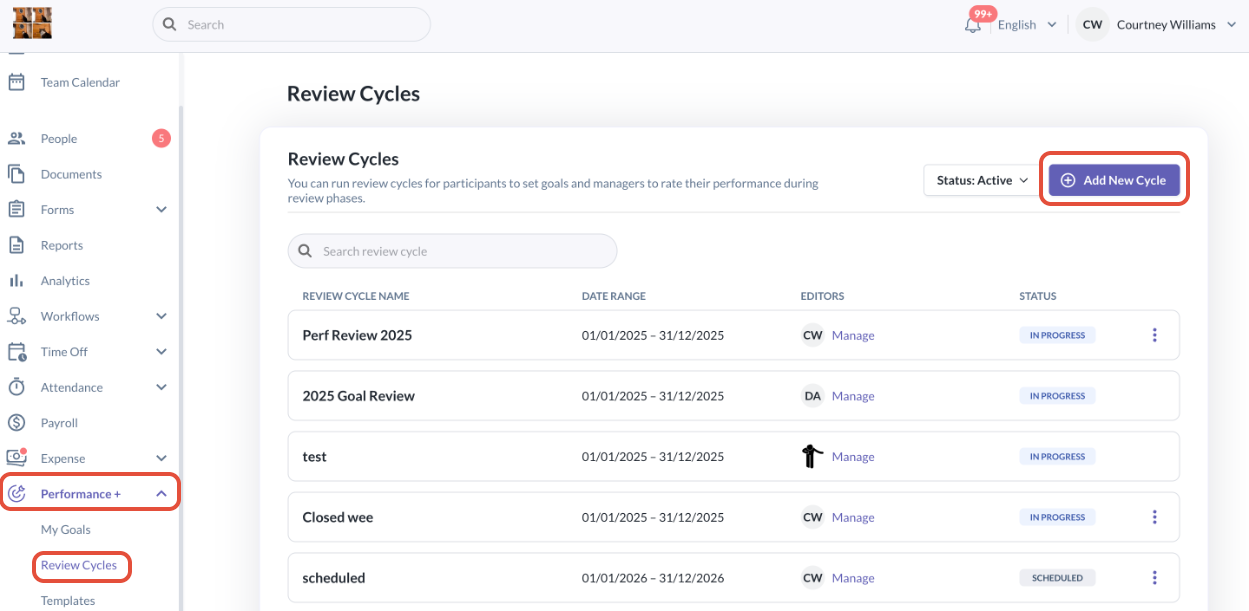
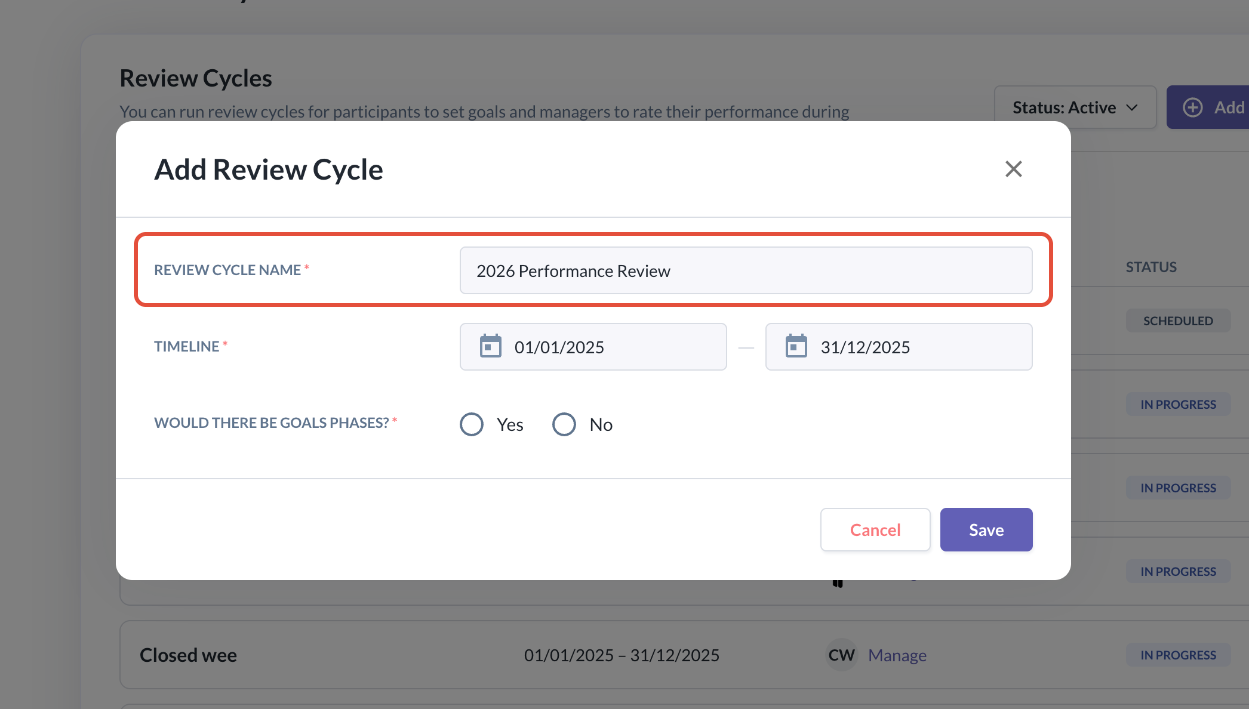
- A pop-up will appear where you can enter a Review Cycle name. This name is displayed to all participants throughout the review cycle period.
Setting Review Cycle Timeline
- Next, select a start date and an end date for your Review cycle. The end date must be later than the start date.
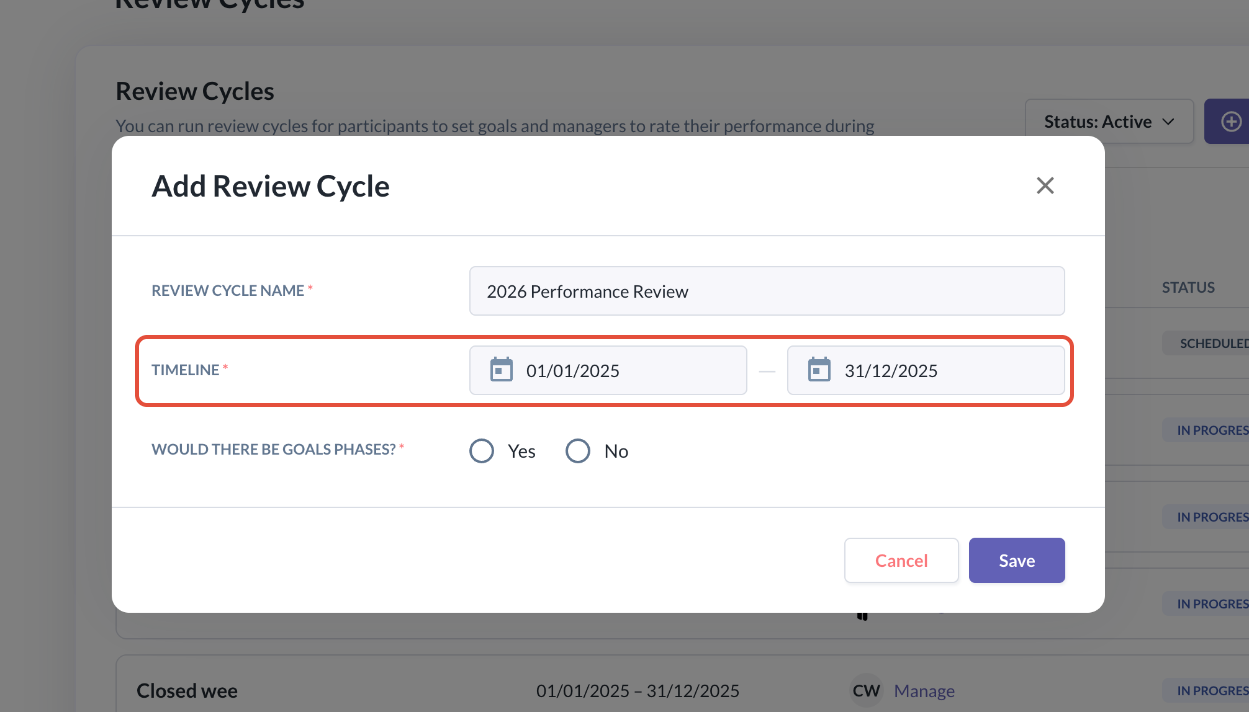
- The start date defines when the Review Cycle opens, and the end date defines when the cycle period will close
- You can add and structure Goal Phases and Review Phases after creating the Review Cycle.
- All Goal Phases and Review Phases must fall within this Review Cycle timeline.
Configuring Goal Phase (Optional)
- The next section is where you have an option to include Goal Phases in this Review Cycle
- If you select No, the Review Cycle will not include a Goal Phase at all and you can proceed to click Save
- You can enable Goal Phases under Settings later, as long as no Goal Phase has started
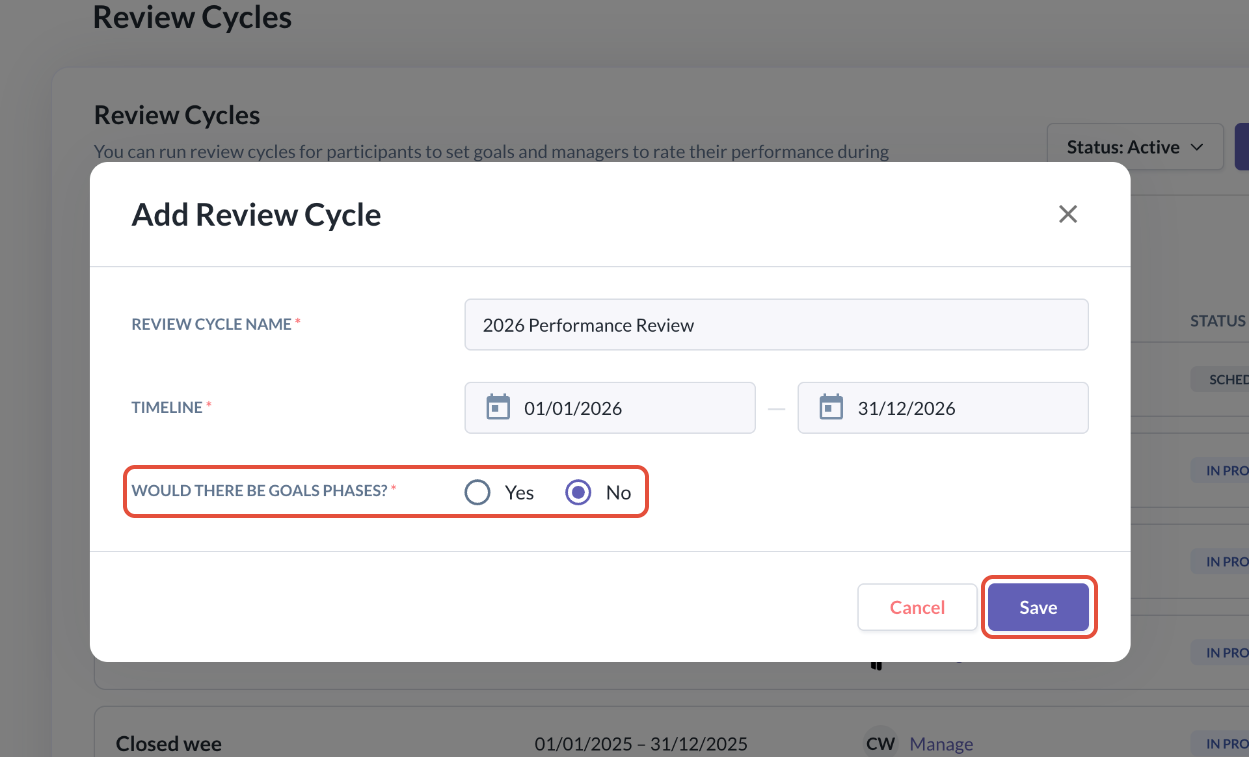
- If you select Yes, you will be guided through Goal Phase configuration to choose one level or two level goals
- If you choose to select one level goals, you may then select Save
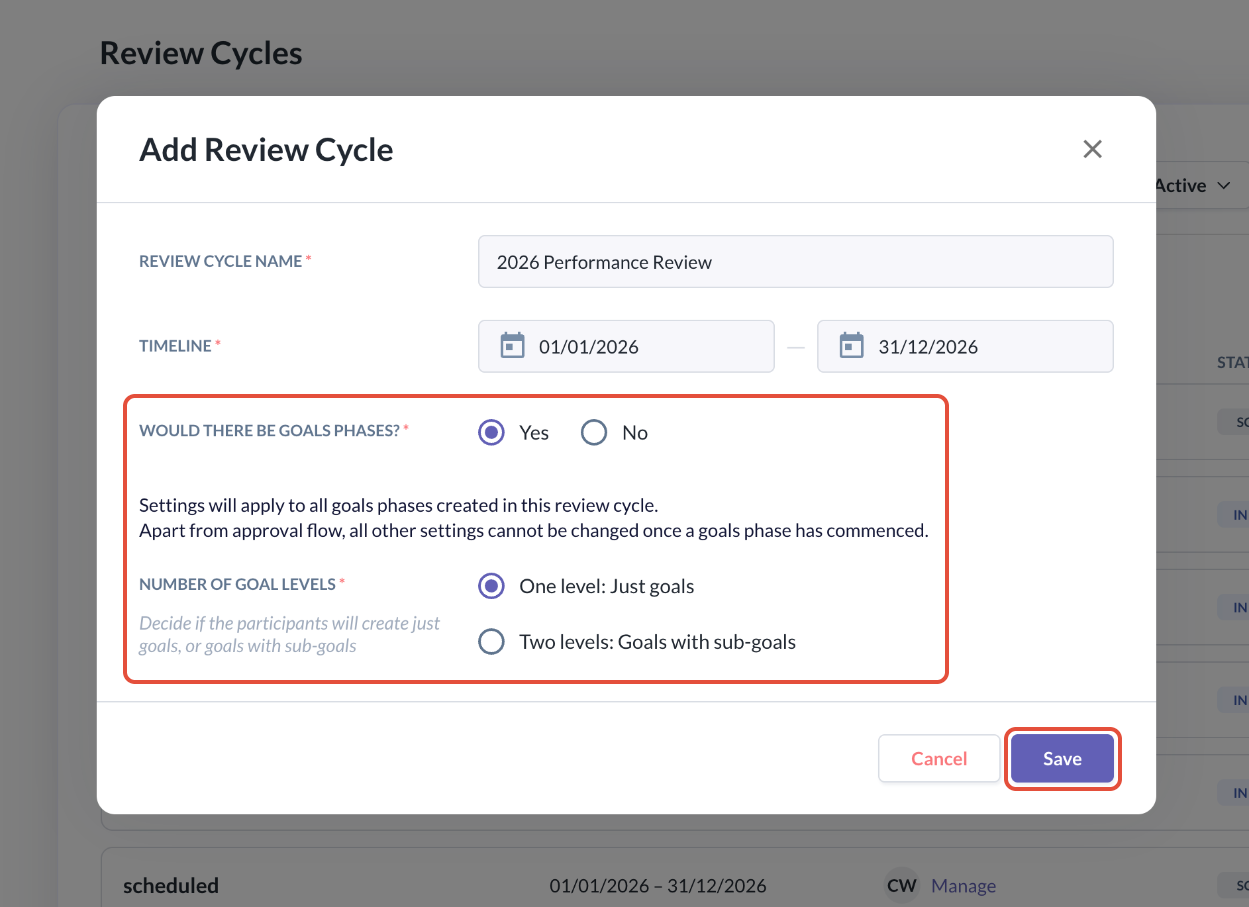
- If you choose to have two levels of goals, participants of the Review Cycle will need to create parent goals and also break them into sub-goals.
- You will then be prompted to select where goal ratings should be applied.
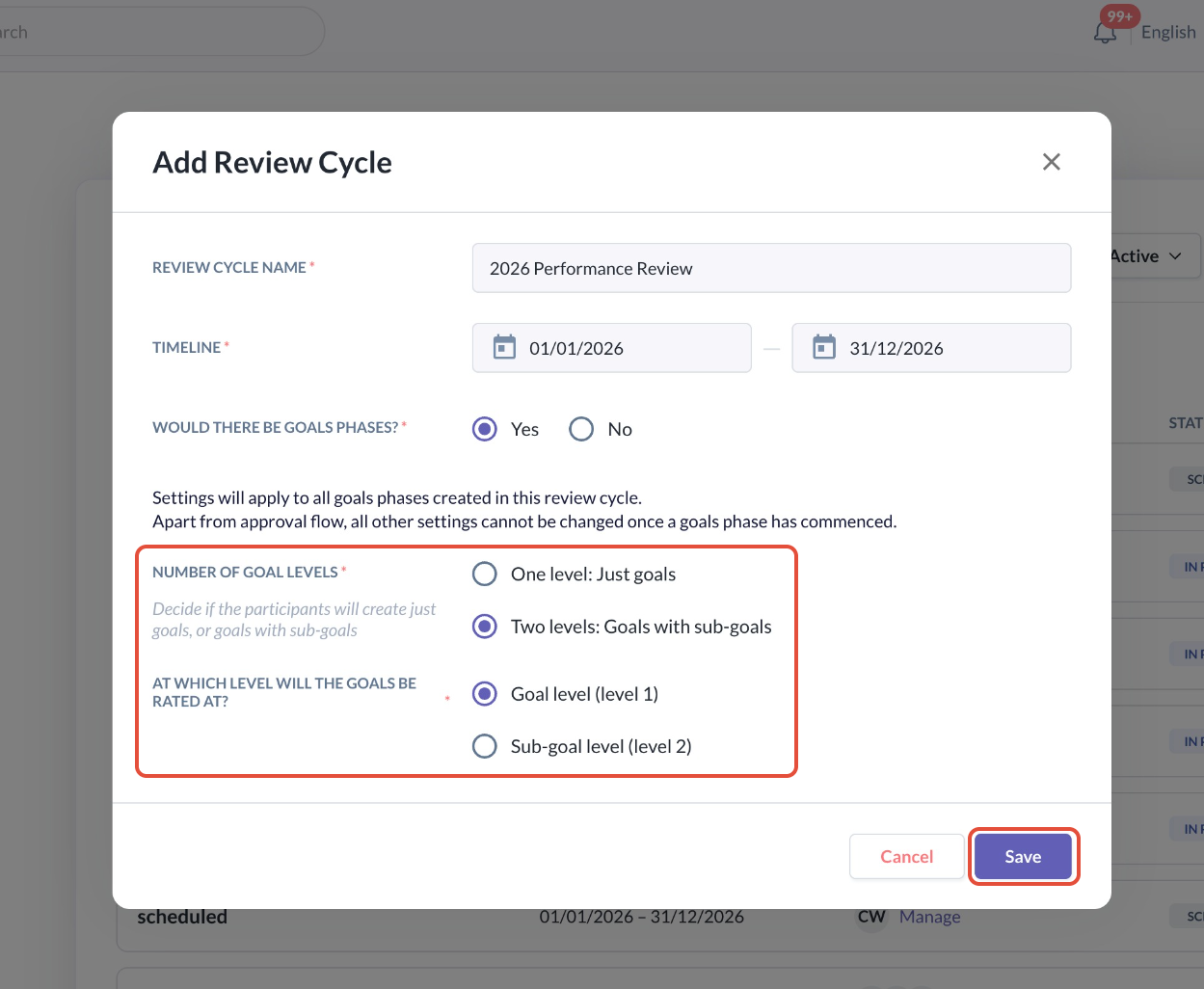
- By selecting to rate at Goal level (level 1), ratings apply only to parent goals and sub-goals cannot be rated.
- By selecting to rate at Sub-goal level (level 2), ratings only apply to the sub-goals and parent goal ratings are calculated based on the configuration of the sub-goals rating and weightage.
- Once you have selected the level, you may click Save
Important Configuration Notes
- The Goal configuration selections applies to all Goal Phases within the same Review Cycle.
- Once a Goal Phase has started, the following cannot be changed:
- Goal levels
- Rating level (goal vs sub-goal)
⚠️ Exception: Approval flows can still be edited after a Goal Phase starts.
- If a Goal Phase has not yet started, all configurations can still be edited under Settings.
Still Need Help?:
Reach out to our support team should you need further assistance.
Was this article helpful?
That’s Great!
Thank you for your feedback
Sorry! We couldn't be helpful
Thank you for your feedback
Feedback sent
We appreciate your effort and will try to fix the article