Overview:
As a Manager, you have visibility into your direct reports' goals and progress to help you monitor performance and stay aligned with team objectives.
TABLE OF CONTENTS
How to View Your Team Goals
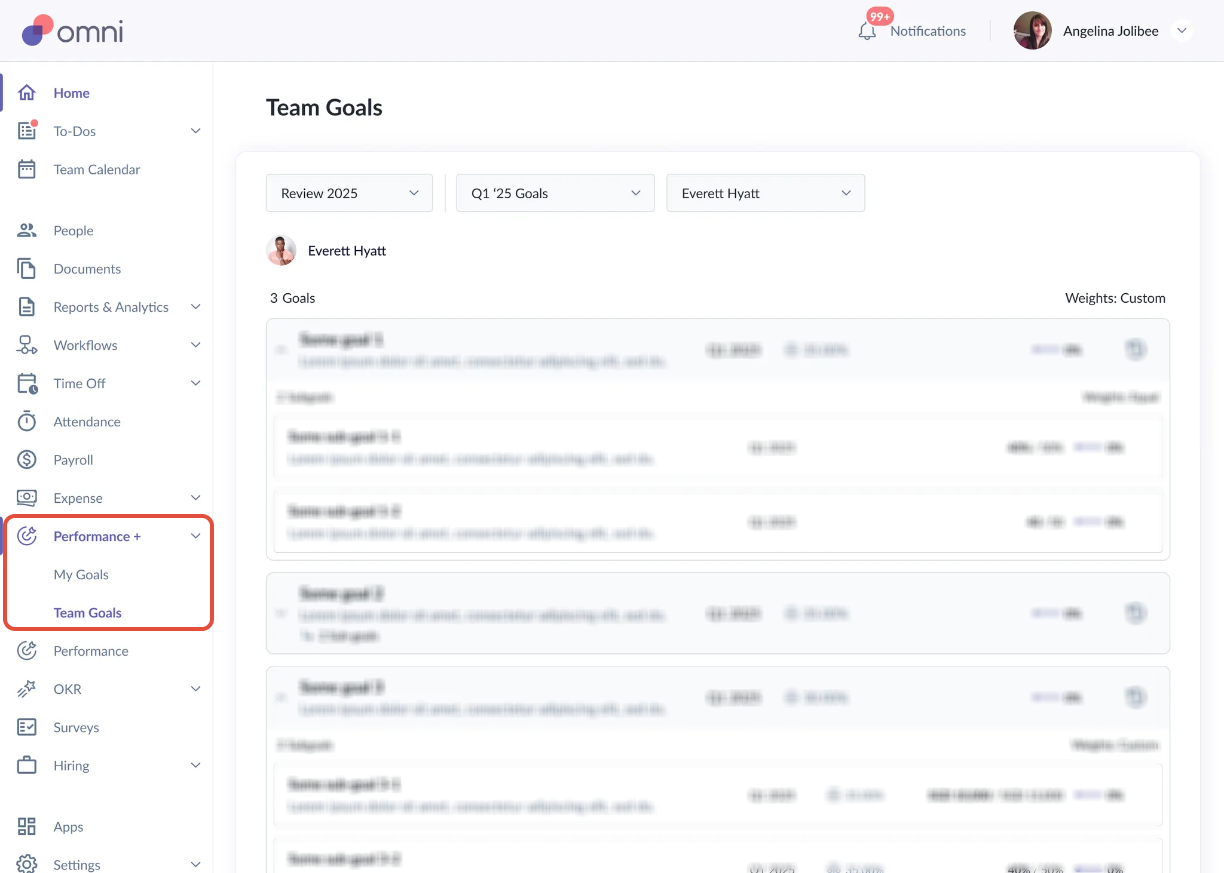
- Go to Performance+ > Team Goals to access your team's goals and progress.
What Managers can View
Progress Tracking: View the current progress of each direct report's goals.
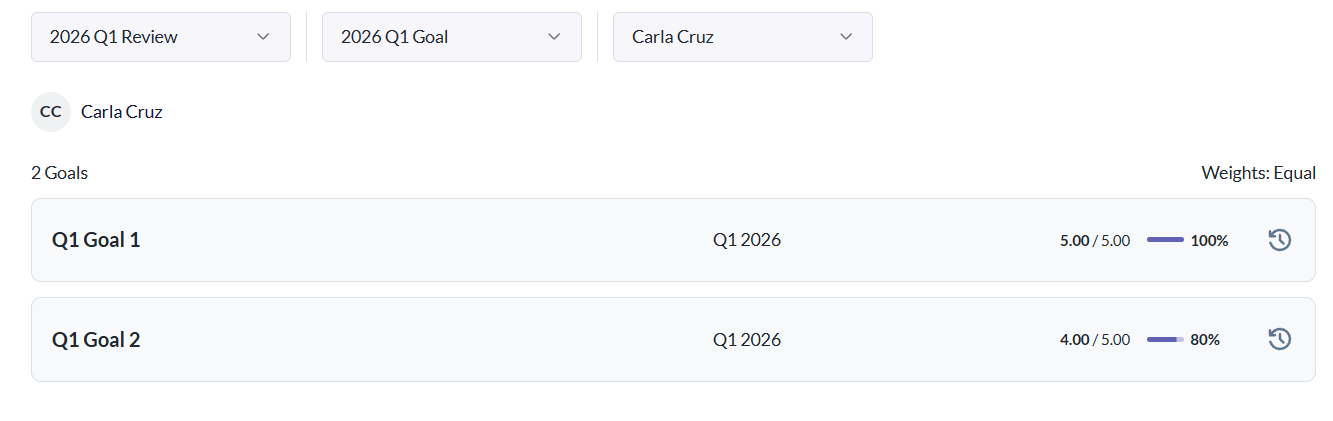
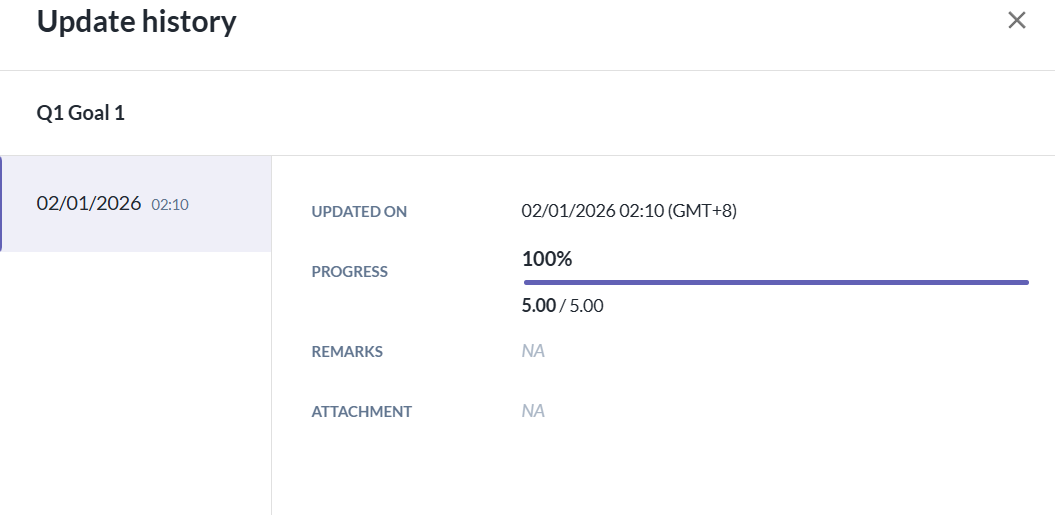
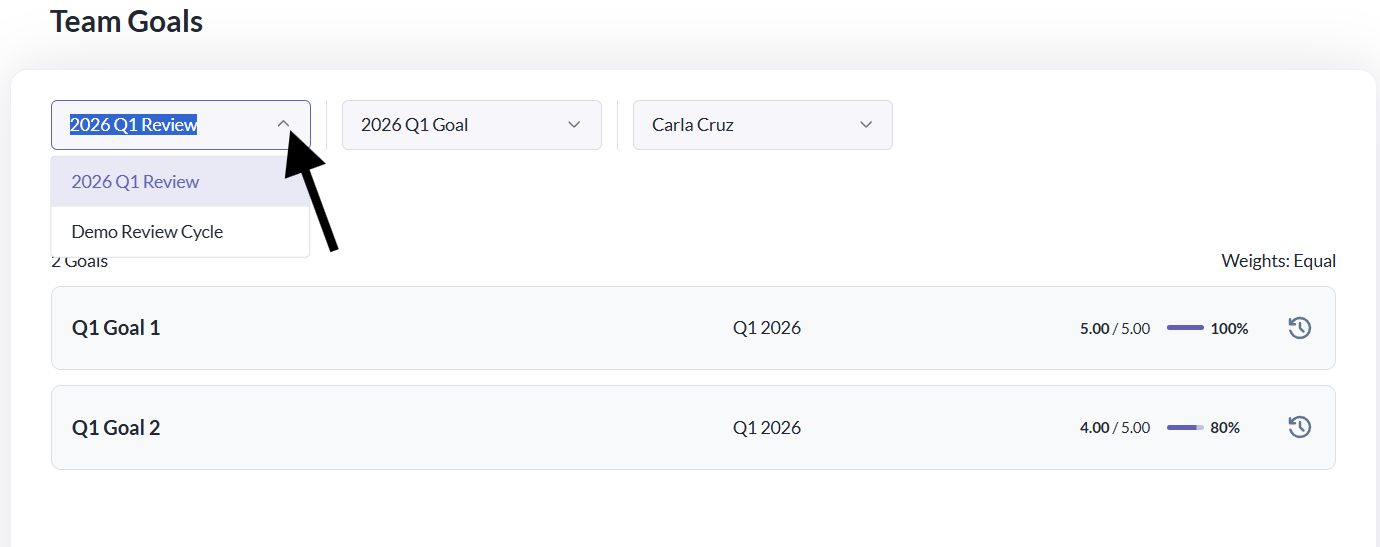
Progress History: Access the historical progress update. You can do so by clicking on the clock icon next to the goal.
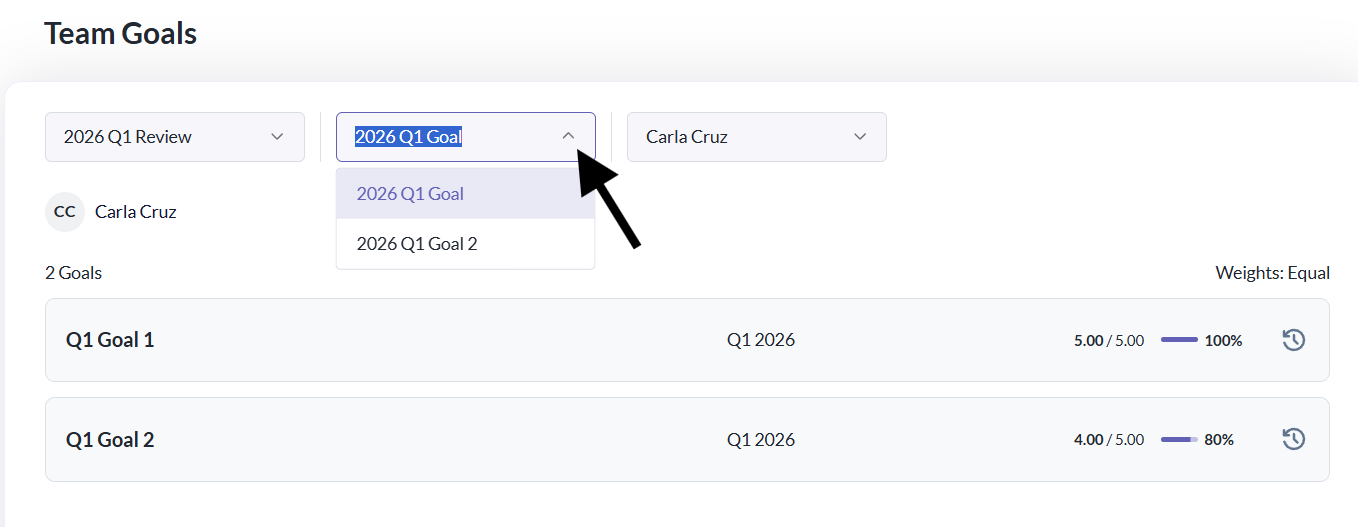
Multiple Direct Reports: If you manage several team members, you can easily toggle between employees to view each person's goals and progress.
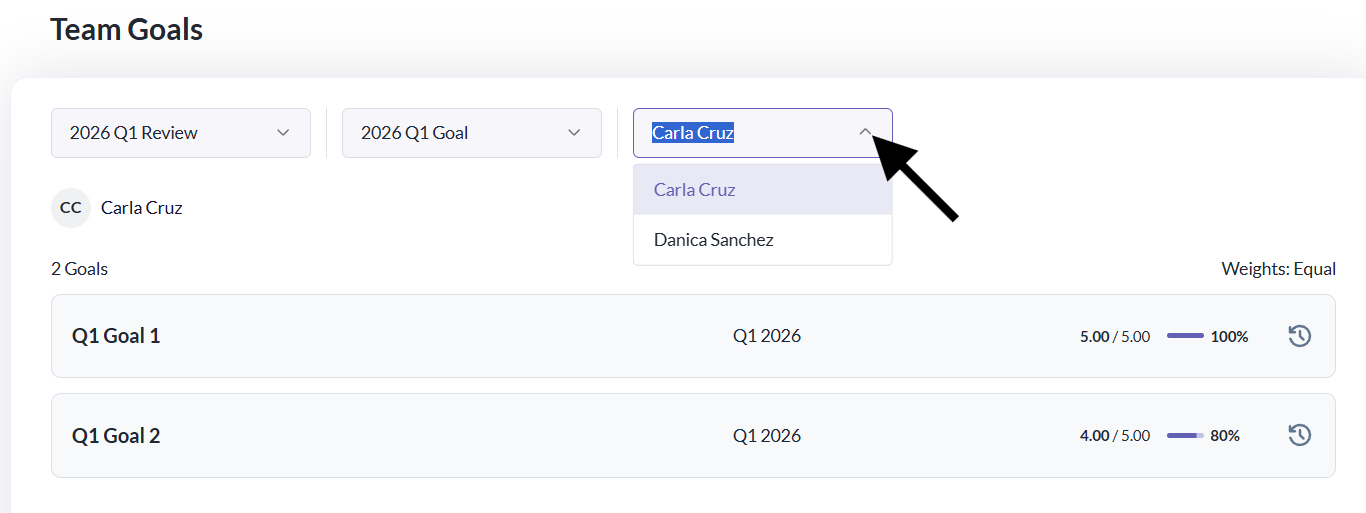
Review Cycle and Goal: You'll be able to toggle which Review Cycle and Goals you want to access and view.
Note:
- Managers cannot edit, update, or override an employee's goal progress.
Still Need Help?
Reach out to our support team for further assistance.
Was this article helpful?
That’s Great!
Thank you for your feedback
Sorry! We couldn't be helpful
Thank you for your feedback
Feedback sent
We appreciate your effort and will try to fix the article