Overview:
We’ve added Excel-based bulk import so admins can preload goals into a Goal Phase quickly and consistently.
Two import structures are supported via separate templates:
- 1-level goals
- 2-level goals (Goals + Subgoals).
TABLE OF CONTENTS
Video Walkthrough: Bulk Importing Goals in Performance+
This video walkthrough will cover:
1. Steps to take to locate the bulk import feature from the system
2. How to populate the import templates for either 1-level goals or 2-level goals
3. How to validate the import results
4. How it will look like upon successful import in the system: Employee & Manager POV examples
Things to Take Note Of
Pre-requisites
- Performance+ is installed
- A Goal Phase exists in a cycle and is not Draft (admins can bulk import/create when the Goal phase is Scheduled / In Progress / Closed where applicable)
Validation & how admins are notified
- After upload, the system runs file validation.
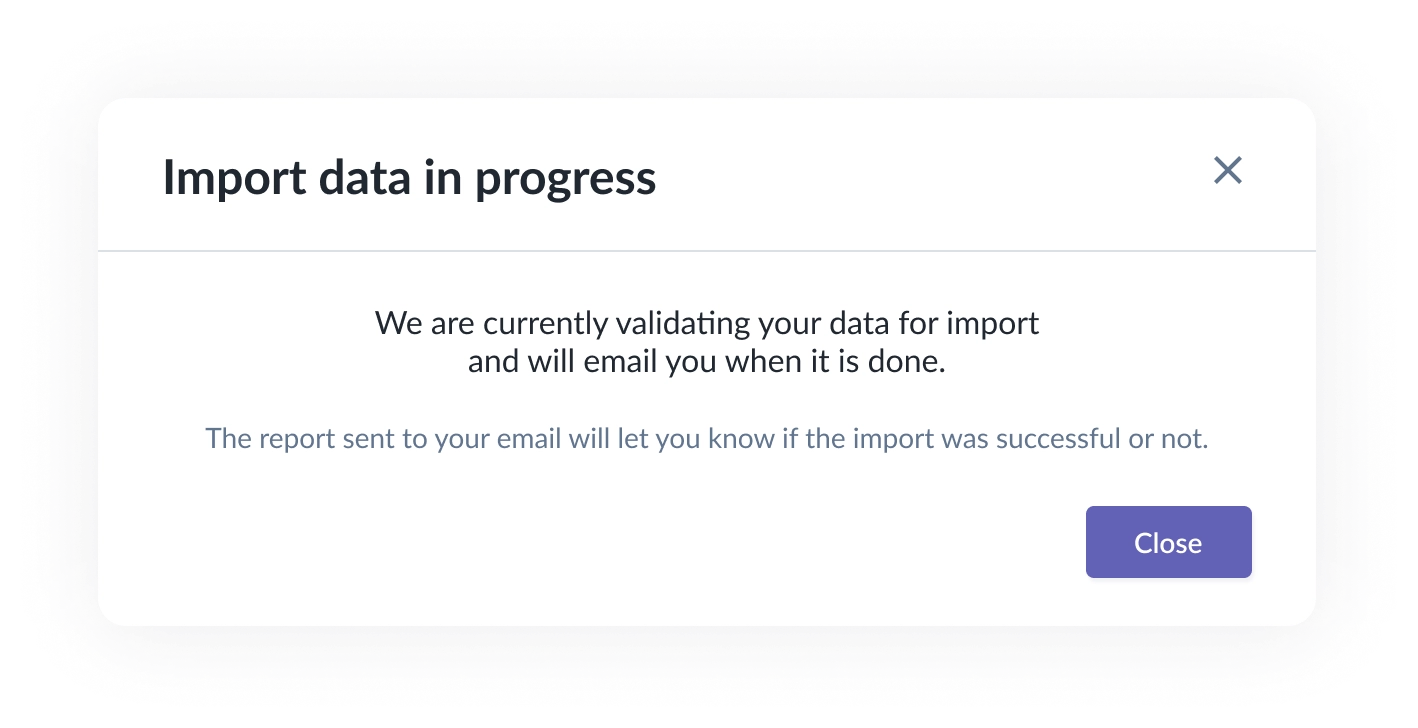
- The uploader/admin will receive an email notification when validation completes:
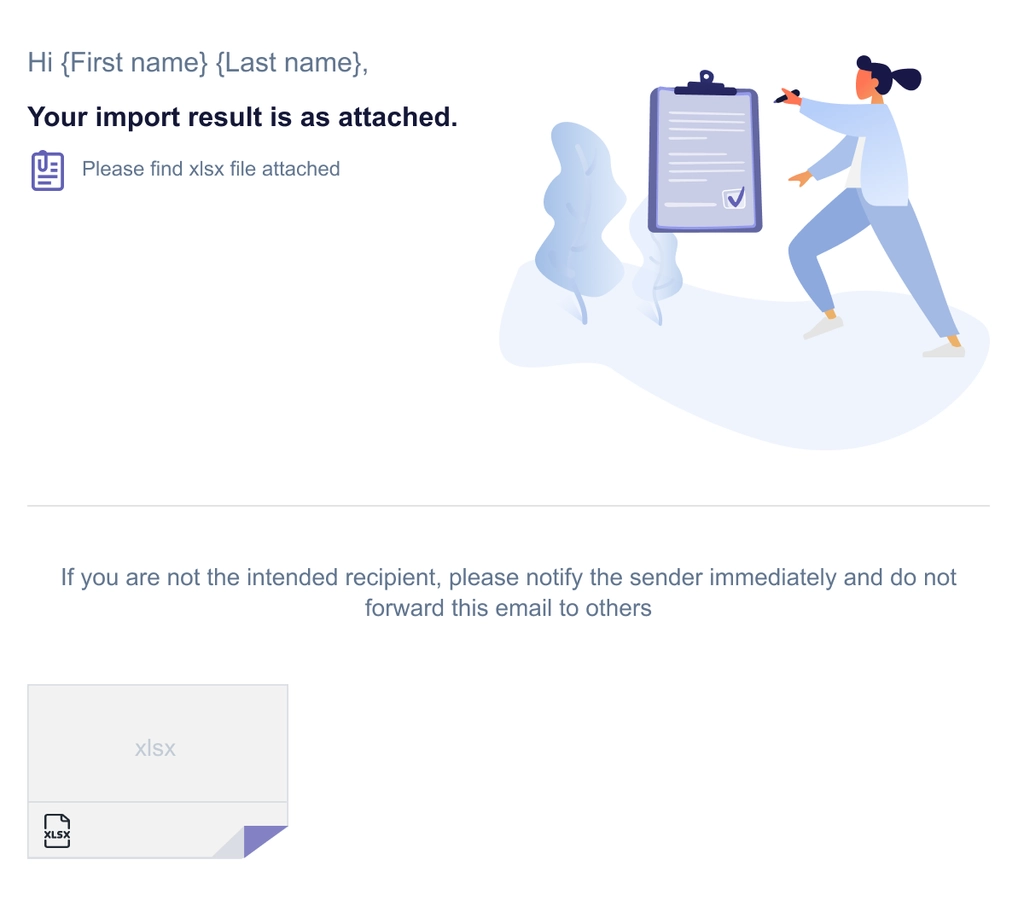
- Validation failed → the validated file indicates there are issues to fix and re-upload (details shown in the import results).
- Validation passed → the validated file confirms the import was processed successfully (details shown in the import results).
Key rules to follow when preparing the template
- Participant rows must be grouped: All rows for the same Goal participant (email) must be consecutive in the file, because validation and weightage interpretation are processed by participant grouping.
- 2-level import requires subgoals: If you use the 2-level template, each goal is expected to have at least one subgoal.
- Weightage behavior (Equal vs Custom):
- If all weightage cells are blank → treated as Equal (system auto-distributes).
- If any weightage value is provided → treated as Custom (must total 100% within the relevant scope).
- If a participant already has existing goals with Equal weightage type, you cannot switch to Custom via import and vice versa (The participant will need to remove weight values or change weightage type in the system from To Do > Performance+ > Edit Goals).
Common validation errors (examples)
- Participant email not found (do not exist in the system) or not part of the Goal Phase
- Missing required titles (Goal / Subgoal)
- Title length exceeds limit [Character limit: Goal title - 128, Subgoal title - 128]
- Custom weightage does not total 100%
- Subgoal row provided without a matching parent goal - the goal title is not filled
- Added extra columns or removal of columns that renders the import invalid
Notes / limitations
- Always start by downloading the latest template from the Import Goals modal, and do not change column headers or order. Otherwise, you will receive an error message: “An internal error occurred while creating goal record”
- Bulk import does not support changing existing goals’ weightage type via Excel (e.g., Equal → Custom).
Still Need Help?:
Reach out to our support team should you need further assistance.
Was this article helpful?
That’s Great!
Thank you for your feedback
Sorry! We couldn't be helpful
Thank you for your feedback
Feedback sent
We appreciate your effort and will try to fix the article